

The Planning System
Learn the planning system that makes the Foreweek app helpful in planning your weeks.
Foreweek is not a regular weekly planner app.
With Foreweek, you plan your week as a set of tiny goals that get you closer to the bigger picture in life.
Here's how you can use this system to plan your weeks:
1. Identify your goals
Start by asking yourself this question:
Given my current priorities, goals, and other commitments, what would make this week a success?
You don't need to figure out the nitty-gritties right away.
Think of the overall things you can do or areas you can tackle that will make you feel you've made progress in the right direction at the end of the week.
For example, here's a list of things I aimed to do in a week in September that would bring tangible benefits:
- Publish a member-only post on Hulry
- Publish post on the Worth It! newsletter
- Record 5 shorts for the Ducat app
- Ship Ducat app v1.2.2
- Book 4 sponsors for the newsletter
- Secure a member-only app deal for Hulry
- Make and send the Hulry newsletter
- Promote the Ducat app
As you see from the list, these are not end-level tasks, but instead, they are medium to high-level goals that, if done, would lead to a successful and productive week.
You don't need to tackle everything from the list to make your week a success. Handling a few of the high-impact items from the list is usually enough.
At the end of my planned week, I published the member-only post on Hulry, recorded the shorts, shipped the Ducat app update, booked three sponsors for the newsletter, and sent the Hulry newsletter on time.
The week was a massive win even though I didn't check every item off my initial list.
Take a few minutes at the start of a week and list your goals for the week in the Foreweek app:
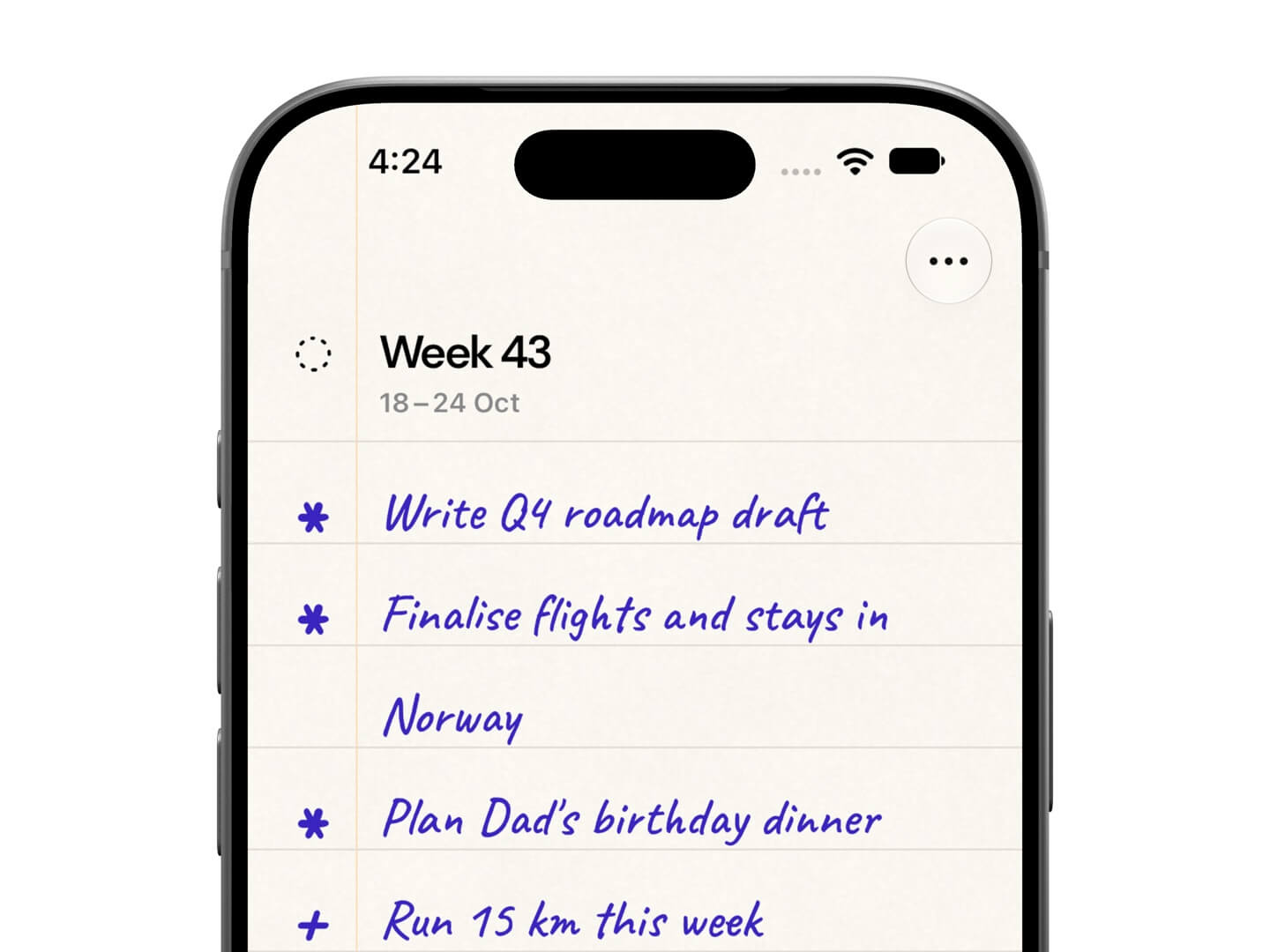
You can include a few more items than you think you'll complete within the week.
Don't worry, we'll prioritise them.
2. Prioritise items in your list
When planning your week, aim for a moonshot list.
This means adding goals that you can comfortably achieve within the week and including a few goals that aren't necessary right away, but they are good reserve goals that you can pick if you finish the more important ones early.
To highlight goals which are important for the current week from the moonshot ones, you can follow this minimal system:
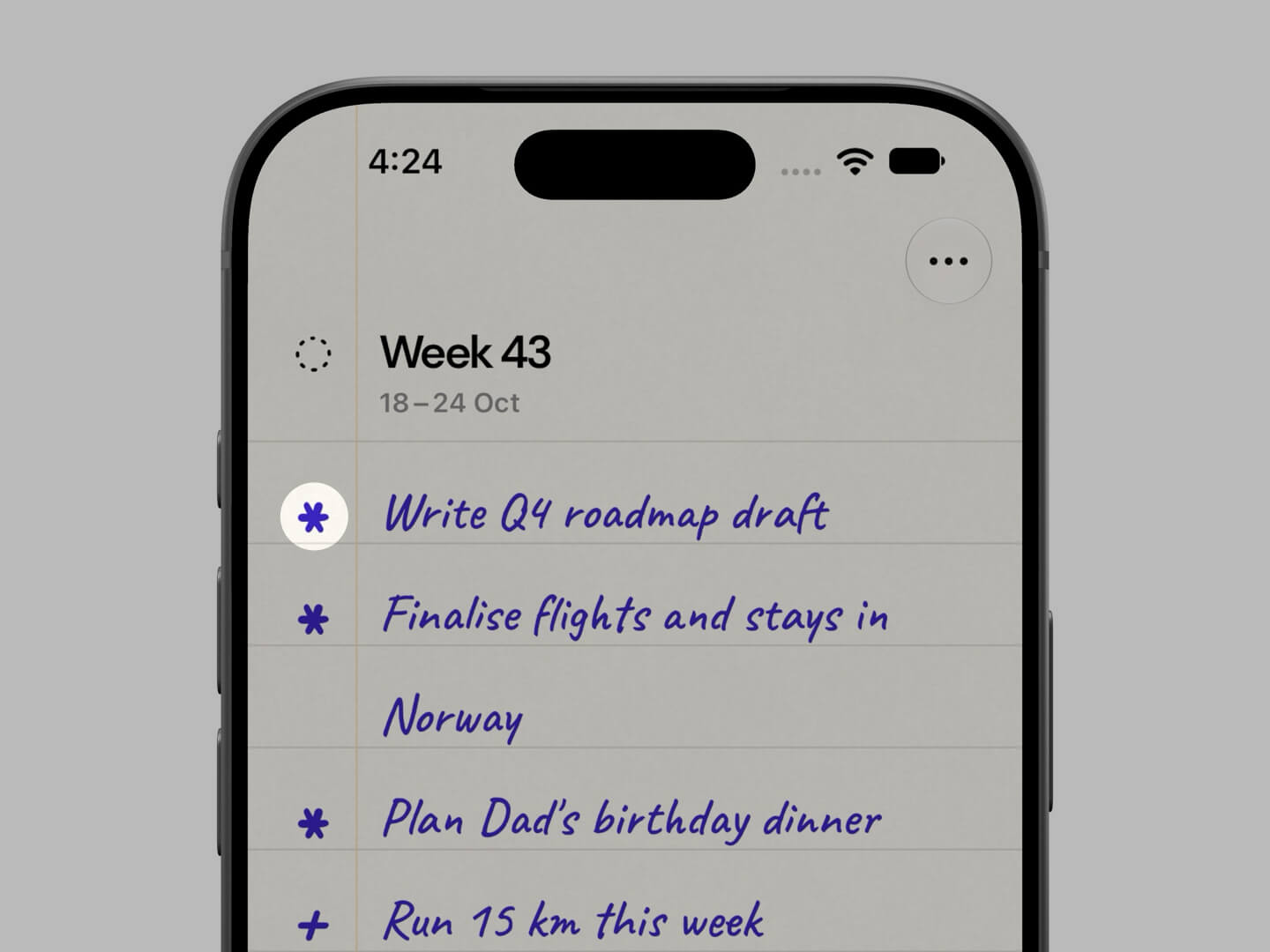
- Asterisk (*) for the important goals. These are the goals that are time-sensitive, or things that you must do to make your week successful.
- Plus (+) for the moonshot goals. These are goals that you should do, but it's okay if you don't have the time or chance to tackle them by the end of the week. They can be rolled-over or eliminated.
Aim for a 70–30 split between important and moonshot goals.
Once you've added a goal to the current week in the Foreweek app, you can tap the priority indicator at the start of a goal to toggle its priority:
3. Make things happen
As you go through the week, mark goals as complete as you finish each from your list.
You can strike off a goal from your list by swiping over an item towards the right:
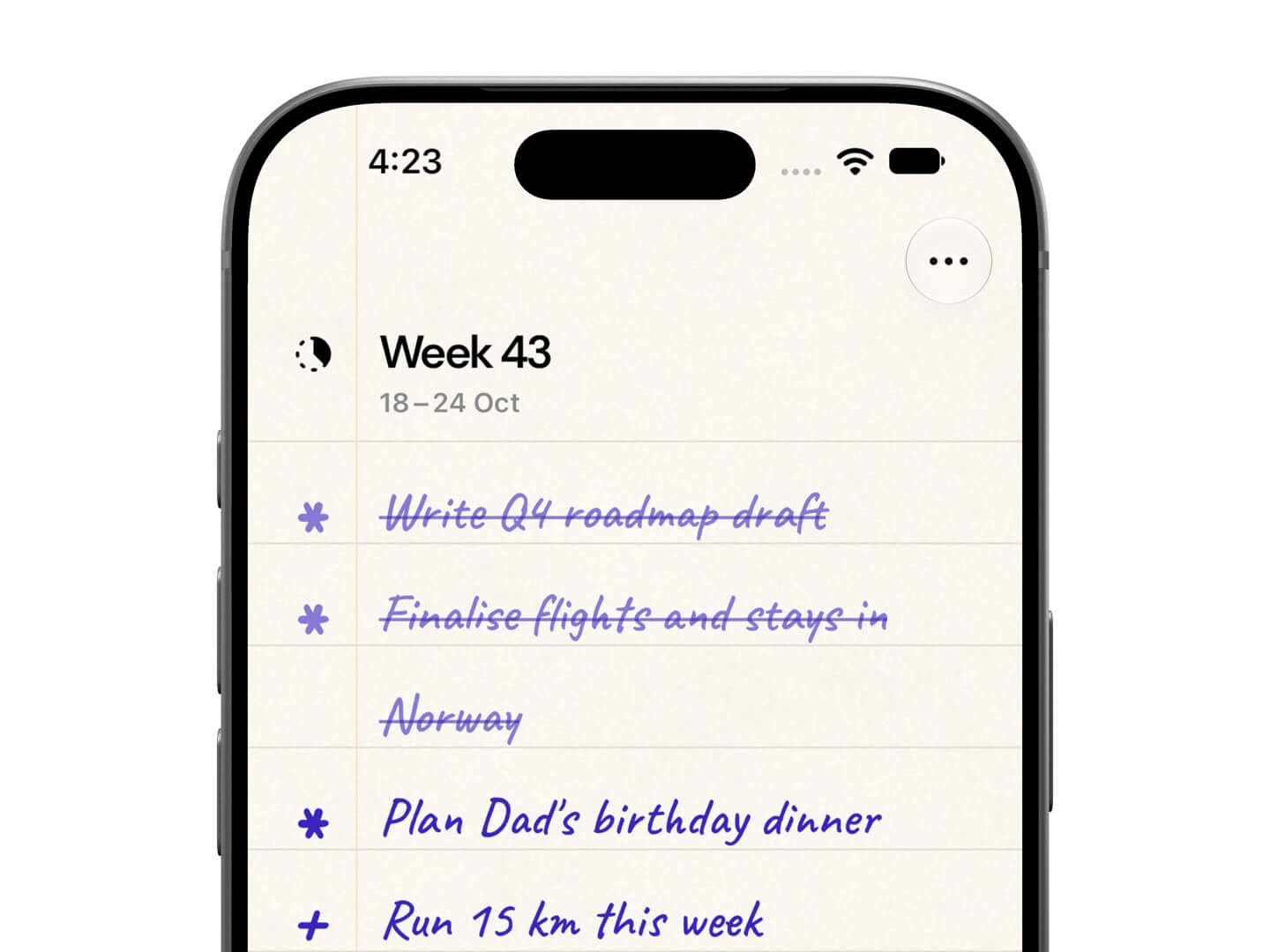
Or, tap an item to enter the editing mode and tap the checkbox beside the goal.
The goals you don't check off during the week will automatically appear in your Inbox in the following week:
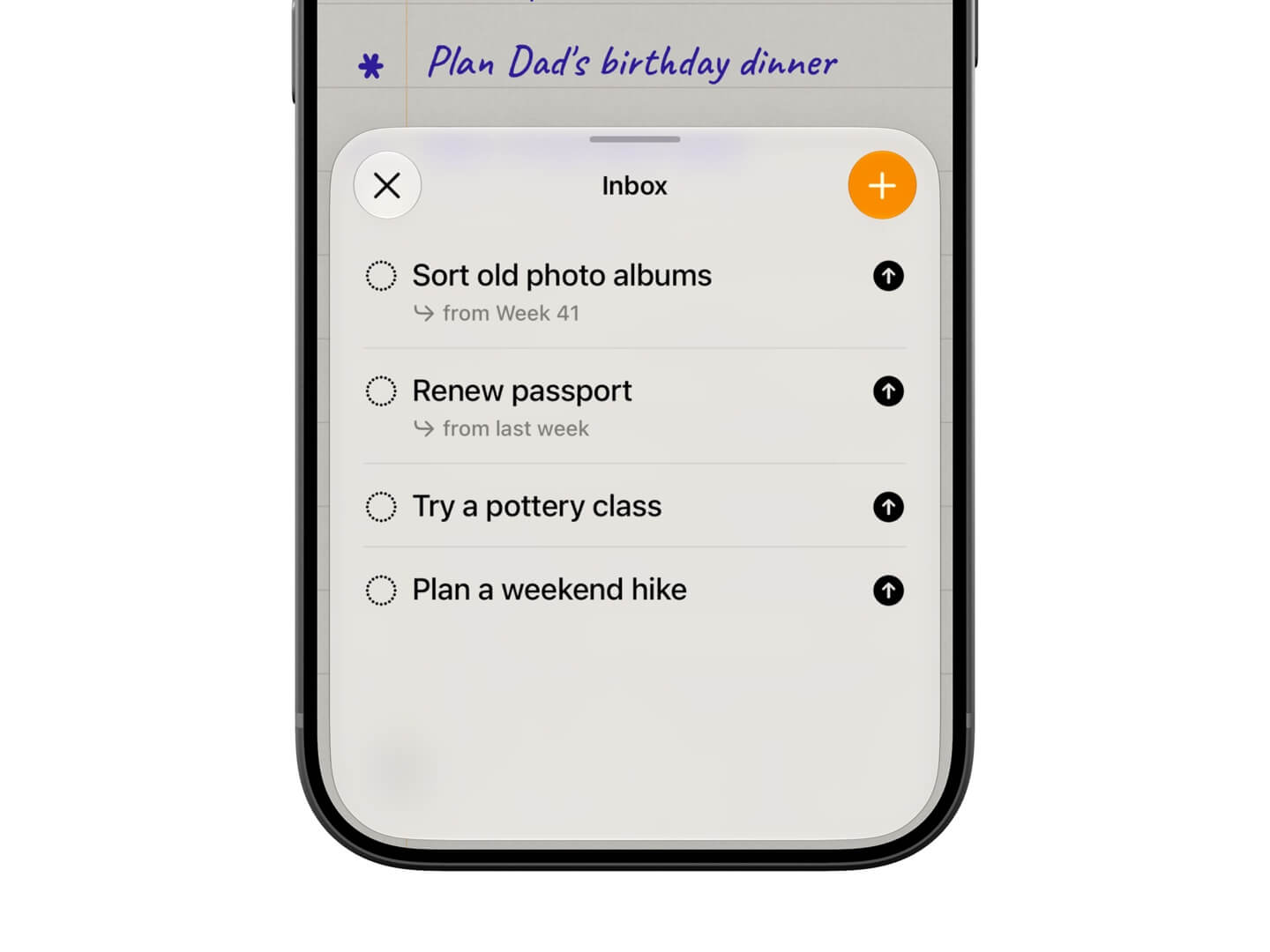
Here, you can mark a goal as complete if you actually finished it but forgot to mark it as complete in the app:
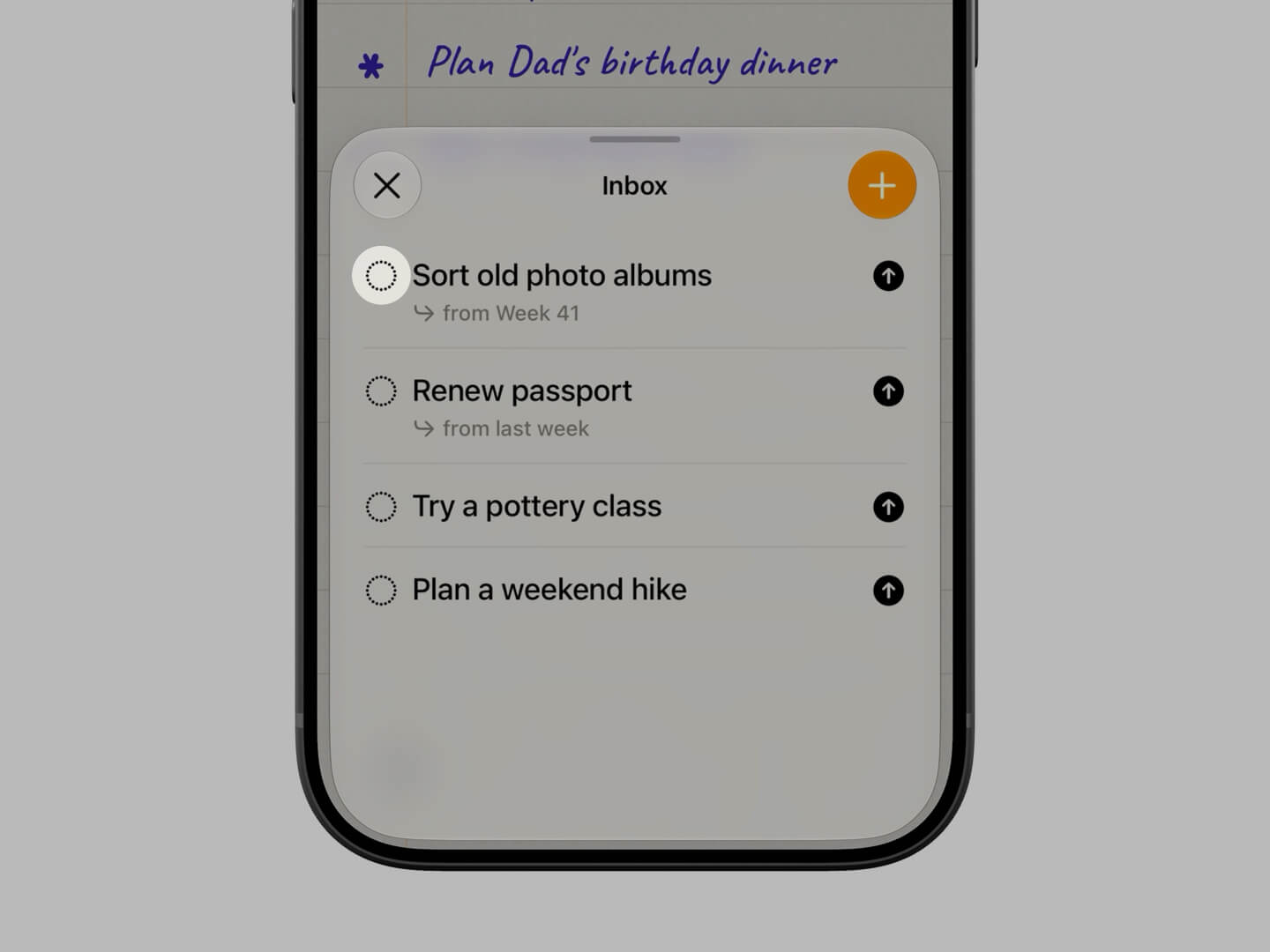
Tap the upwards arrow beside a goal to send it to the current week if you want to pick it up in the current week:
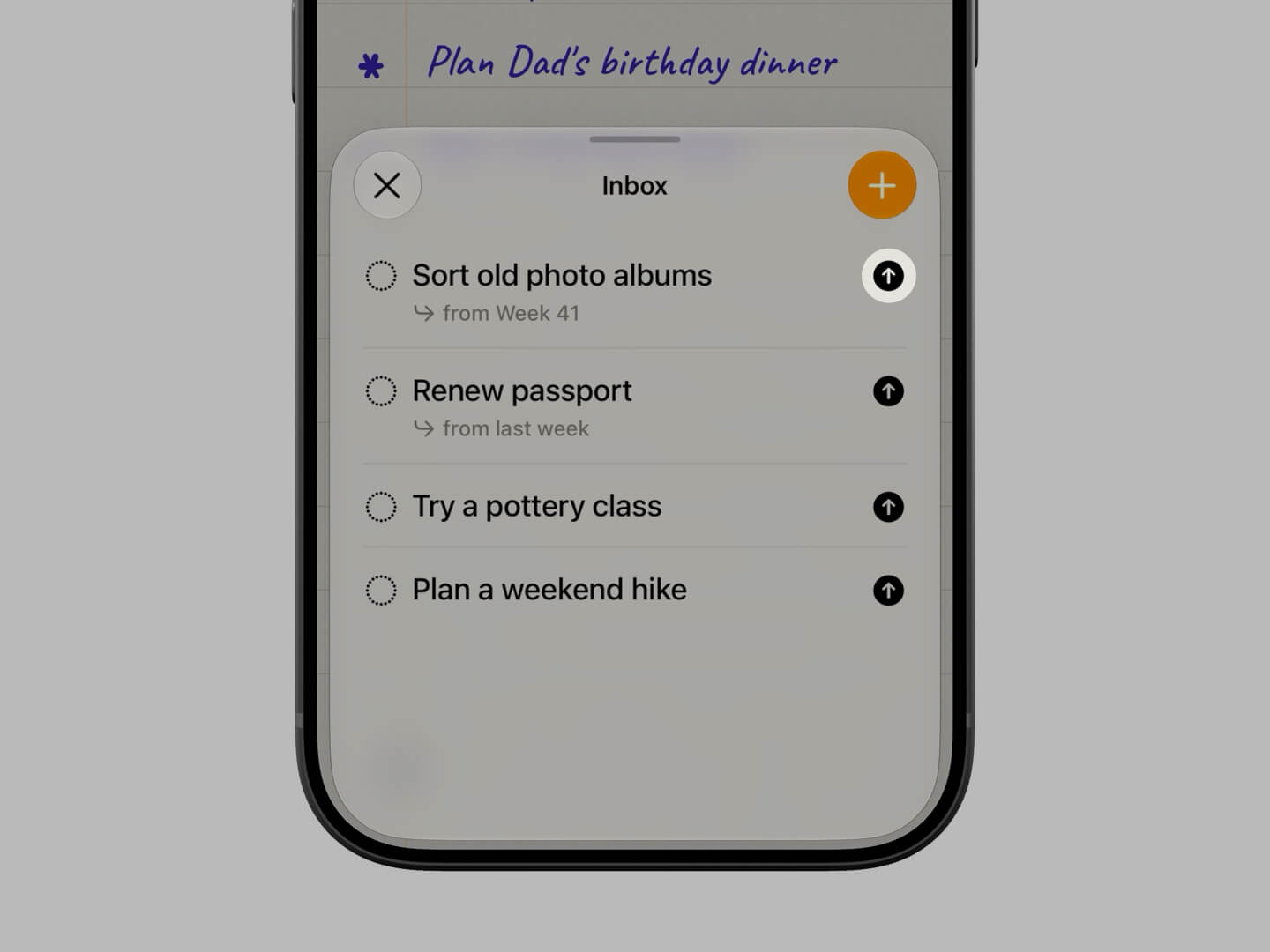
Delete a goal from your inbox by swiping left if it is no longer necessary or relevant.
Or keep them in your inbox until you're finally ready to take them on.
As you follow this system for a few weeks, you can see how you are doing in the History section of the app:
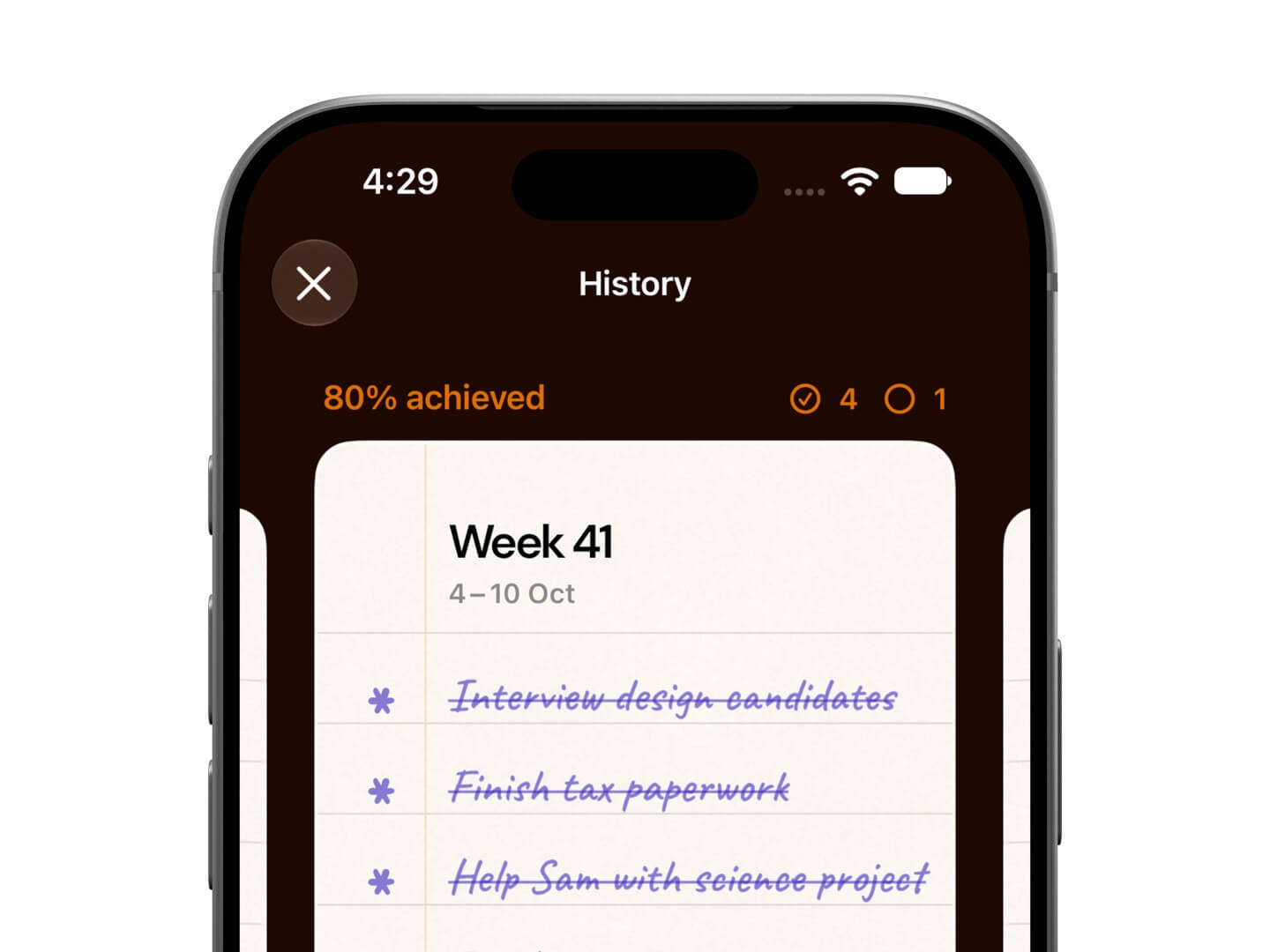
Here you can observe how your planning matches with ground reality through the completed and unfinished goals each week.
If you are regularly putting more goals on your list than you can realistically complete within a week and ending each week with less than 50% goals achieved, then it might be time to scale back and aim for only a handful of moonshot goals.
Observe and plan better next week.
And that's the entire system.
It's simple, but works quite well.
I’ve made far more meaningful progress with this system than any to-do list or calendar planning.